How Skora AI Works
Our advanced AI technology transforms your text into professional videos in three simple steps.
Input Your Content
Start by uploading an image for your avatar or choosing from our library. Then enter your script - the text you want your character to speak. Our AI analyzes the content and prepares it for synthesis.
- Upload photo or select avatar
- Enter or paste your script
- Choose voice and language
- Set video preferences

AI Processing
Our advanced AI engine takes over. It processes your image to create realistic facial animations, generates natural-sounding speech from your text, and synchronizes lip movements perfectly with the audio.
- Facial landmark detection
- Neural voice synthesis
- Lip-sync generation
- Expression mapping

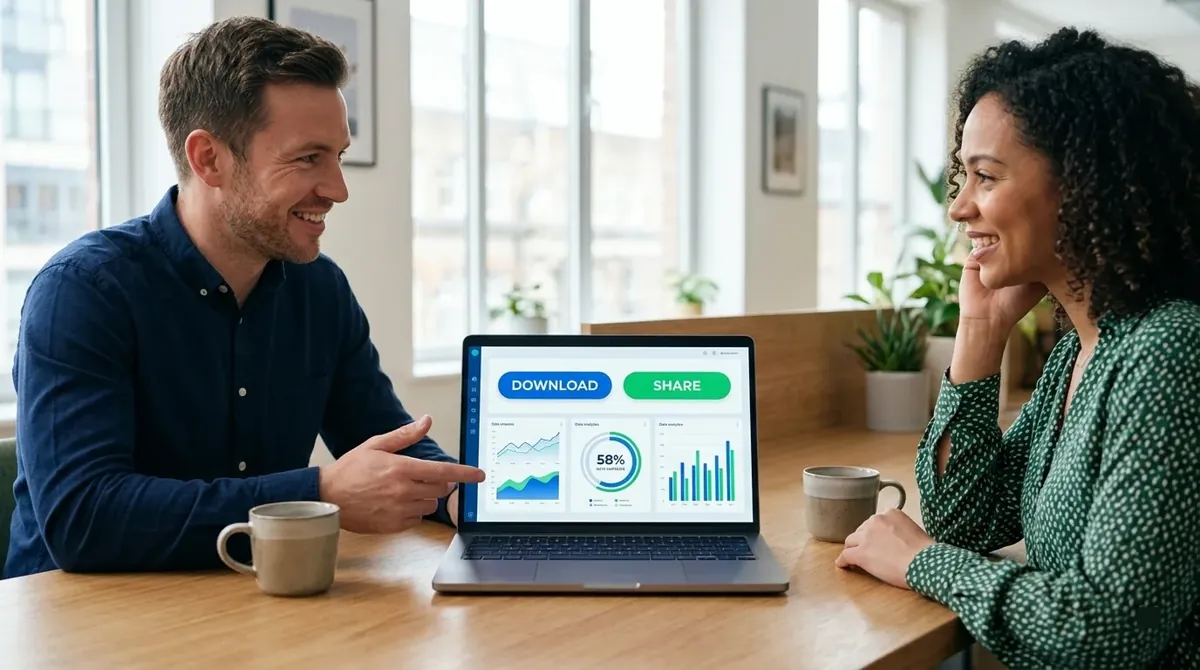
Download & Share
Within minutes, your HD video is ready. Download it instantly in MP4 format, perfect for sharing on YouTube, Instagram, TikTok, LinkedIn, or any platform. No watermark on premium plans.
- 1080p HD quality
- MP4 format
- Instant download
- Share anywhere